
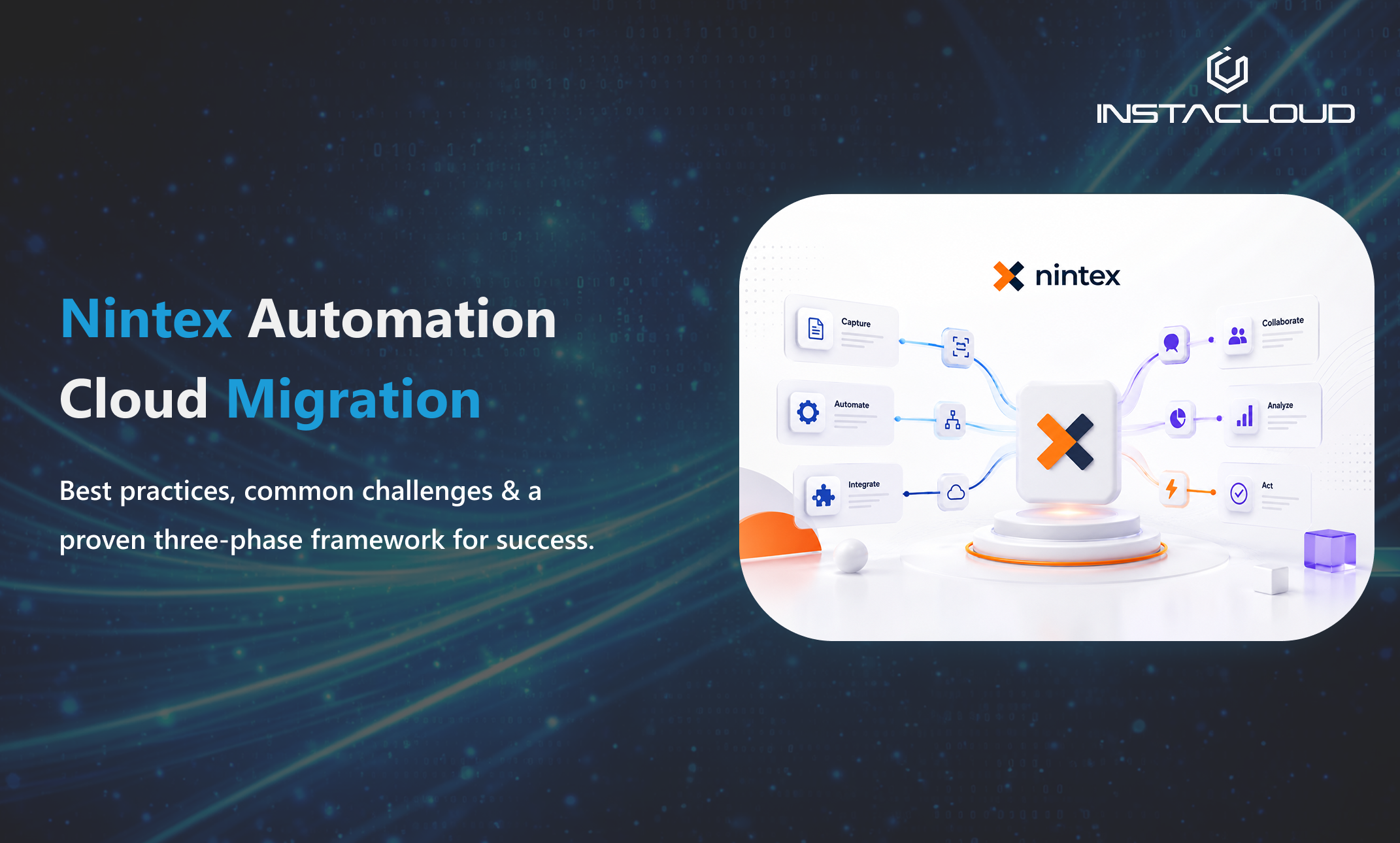
Workflow Automation · Migration Guide=

A successful Nintex Automation Cloud migration starts with planning, not workflow copying.
As organizations continue their digital transformation journeys, workflow automation remains a critical driver of operational efficiency, productivity, and business agility. With legacy platforms winding down, many businesses are now evaluating their Nintex Workflow migration strategy and weighing a move to Nintex Automation Cloud (NAC).
While the technology upgrade itself may seem straightforward, a successful migration involves much more than moving workflows from one platform to another. Organizations must assess their existing workflow landscape, manage business risks, engage stakeholders, and ensure business continuity throughout the transition. Having supported organizations across various industries, one thing is clear: the most successful migrations treat the process as a strategic business initiative rather than simply a technical exercise.
Why Organizations Are Migrating to Nintex Automation Cloud
The move to Nintex Automation Cloud gives organizations an opportunity to modernize their automation strategy while shedding the limitations of legacy workflow platforms. With Nintex for Office 365 reaching end of life, migration is not only about maintaining support — it is about creating a foundation for future business process automation and broader SharePoint workflow modernization.
Key benefits of migrating to Nintex Automation Cloud:
- Cloud-native architecture designed for scalability
- Reduced infrastructure and maintenance costs
- Enhanced security and compliance capabilities
- Improved integration with modern business applications
- Faster deployment of automation solutions
- Access to continuous platform enhancements and innovation
- Better workflow governance and visibility
If you are still mapping your wider cloud roadmap, our business process automation services show how these benefits translate into measurable operational gains.
Common Challenges Organizations Face During Migration
Many migration projects encounter obstacles that can impact timelines, budgets, and user adoption. Recognizing them early is the difference between a smooth transition and a stalled project.
1. Large and Complex Workflow Inventories
Organizations often discover they have accumulated hundreds — or even thousands — of workflows over the years. Not all are actively used, and many contain outdated logic or redundant processes. Without a proper assessment, teams may spend valuable time migrating workflows that no longer provide business value.
2. Workflow Dependencies
Many workflows are interconnected and rely on:
- SharePoint lists and libraries
- Component workflows
- External databases
- Web services
- Third-party applications
Missing these dependencies is one of the most common reasons workflows fail after migration.
3. Limited Internal Resources
Migration projects often compete with daily operational responsibilities. Without dedicated ownership and planning, projects can quickly lose momentum.
4. User Adoption and Change Management
Even the most technically successful migration can fail if users are not properly prepared. Employees need clear communication, training resources, testing opportunities, and ongoing support. Successful migration requires both technical readiness and organizational readiness.
The Three Phases of a Successful Migration
Based on industry best practices and real-world migration experience, organizations should approach a Nintex Automation Cloud migration in three structured phases.

1 Phase One — Planning & Preparation
This phase lays the foundation for the entire project.
Establish a Dedicated Migration Team
Successful projects typically include a Project Manager, Technical Lead, Workflow Owners, SharePoint Administrators, Business Stakeholders, and a User Acceptance Testing (UAT) team. Clearly defined responsibilities improve accountability and workflow governance.
Assess Your Workflow Inventory
Before migrating anything, conduct a thorough inventory assessment. Ask which workflows are currently active, which processes are business critical, which can be retired, and what dependencies exist. This exercise often reveals opportunities to simplify processes before migration begins.
Prioritize High-Value Workflows
Not all workflows should be migrated simultaneously. Prioritize based on business impact, process criticality, complexity, departmental requirements, and integration dependencies. A phased approach minimizes risk while delivering value more quickly.
Prepare Your Environments
Establish dedicated testing environments that mirror production as closely as possible. This lets teams validate functionality, test integrations safely, and identify configuration issues early — significantly reducing troubleshooting later.
2 Phase Two — Migration, Configuration & Testing
Once planning is complete, organizations can begin executing the migration.
Migrate Workflows in Controlled Batches
One of the most common mistakes is attempting to migrate everything at once. Instead, start with low-risk workflows, validate outcomes, refine the process, and scale gradually. This minimizes disruption while building team confidence.
Reconfigure and Optimize
Migration is an excellent opportunity to modernize. Use this phase to remove unnecessary steps, improve approval processes, enhance user experiences, standardize governance, and increase automation efficiency — rather than simply replicating old processes.
Conduct Comprehensive User Acceptance Testing
Testing should go beyond technical validation. Business users should verify process functionality, data accuracy, approval routing, notifications, and exception handling. Real-world testing scenarios surface issues before workflows reach production.
3 Phase Three — Deployment & Continuous Improvement
Once workflows pass testing and receive stakeholder approval, they can be deployed to production.
Follow a Structured Go-Live Process
Before publishing, verify production connections, update URLs and integrations, validate permissions, document configuration changes, and communicate deployment schedules. A structured process ensures a smooth transition.
Retire Legacy Workflows
Failing to deactivate legacy workflows can cause duplicate executions and data inconsistencies. Establish a formal decommissioning process to avoid confusion and maintain governance standards.
Focus on Continuous Improvement
Migration is the beginning of a modernization journey, not the end. Continuously monitor workflow performance, gather user feedback, identify bottlenecks, explore new automation opportunities, and leverage new Nintex capabilities to sustain long-term value.
Five Nintex Migration Mistakes to Avoid
Migrating Everything Without Review
Not every workflow deserves to be migrated. Eliminate obsolete or low-value processes first.
Ignoring Workflow Dependencies
Document all integrations and connected systems before migration begins.
Underestimating Testing Requirements
Testing is often the difference between a smooth deployment and costly business disruption.
Using Personal Accounts Instead of Service Accounts
Service accounts provide better security, governance, and long-term manageability.
Treating Migration as a Purely Technical Exercise
Migration impacts people, processes, and technology. Business stakeholders should be involved throughout the project lifecycle.
How InstaCloud Solutions Helps You Modernize Workflow Automation
At InstaCloud Solutions, we help organizations transition to modern automation platforms while minimizing risk and maximizing business value. Our approach combines deep technical expertise with business-process consulting to deliver sustainable transformation outcomes.
- Nintex Automation Cloud Migration
- Workflow Discovery & Assessment
- SharePoint & Microsoft 365 Consulting
- Business Process Automation
- Governance & Compliance Planning
- User Adoption & Change Management
- AI-Powered Process Optimization
Frequently Asked Questions
Is Nintex for Office 365 being discontinued?
Nintex is guiding customers away from its legacy products — Nintex Workflow for Office 365 and Nintex for SharePoint — toward Nintex Automation Cloud as the modern, cloud-native successor. Organizations still running these legacy platforms should plan a migration to avoid support and compliance gaps. Always confirm the current end-of-life timeline directly with Nintex or your migration partner before scheduling your move.
How long does a Nintex Automation Cloud migration take?
Timelines depend on the size and complexity of your workflow inventory, the number of dependencies, and how much optimization you choose to do along the way. Small environments can migrate in a few weeks, while large enterprises with hundreds of interconnected workflows typically run a phased program over several months. A workflow discovery and assessment is the most reliable way to scope an accurate timeline.
Can Nintex workflows be migrated automatically to Nintex Automation Cloud?
Some elements can be accelerated with tooling, but a fully automatic, like-for-like migration is rarely realistic because Nintex Automation Cloud uses a different architecture from Nintex for SharePoint and Office 365. Most workflows need to be reviewed, reconfigured, and tested. This is also the ideal moment to retire redundant processes and modernize approvals rather than simply replicating old logic.
What is the difference between Nintex for SharePoint and Nintex Automation Cloud?
Nintex for SharePoint and Nintex Workflow for Office 365 are tied to the SharePoint platform, while Nintex Automation Cloud is a cloud-native automation platform built for scalability, broader integrations, stronger governance, and continuous updates. Migrating is part of a wider SharePoint workflow modernization and digital transformation effort, not just a version upgrade.
Do I need to rebuild every workflow when migrating to Nintex Automation Cloud?
Not necessarily every workflow, but you should review every workflow. Many legacy workflows are inactive, redundant, or low value and can be retired instead of migrated. Business-critical workflows are typically reconfigured and optimized for the new platform, which improves performance and governance compared with a straight copy.
Final Thoughts
Migrating to Nintex Automation Cloud is more than a platform upgrade — it is an opportunity to simplify operations, modernize business processes, and build a scalable automation foundation for the future.
Organizations that invest in careful planning, stakeholder engagement, comprehensive testing, and continuous improvement are significantly more likely to achieve a successful migration. By approaching the move strategically rather than tactically, businesses unlock greater efficiency, stronger governance, improved user experiences, and long-term operational excellence.
Kaushal leads Nintex and Microsoft Power Platform migration engagements at InstaCloud Solutions, a Microsoft-certified consultancy helping organizations across India, the UK, and Australia modernize workflow automation. Get in touch to discuss your migration.
0 Comments