Microsoft SharePoint Online, Microsoft 365, Power Platform
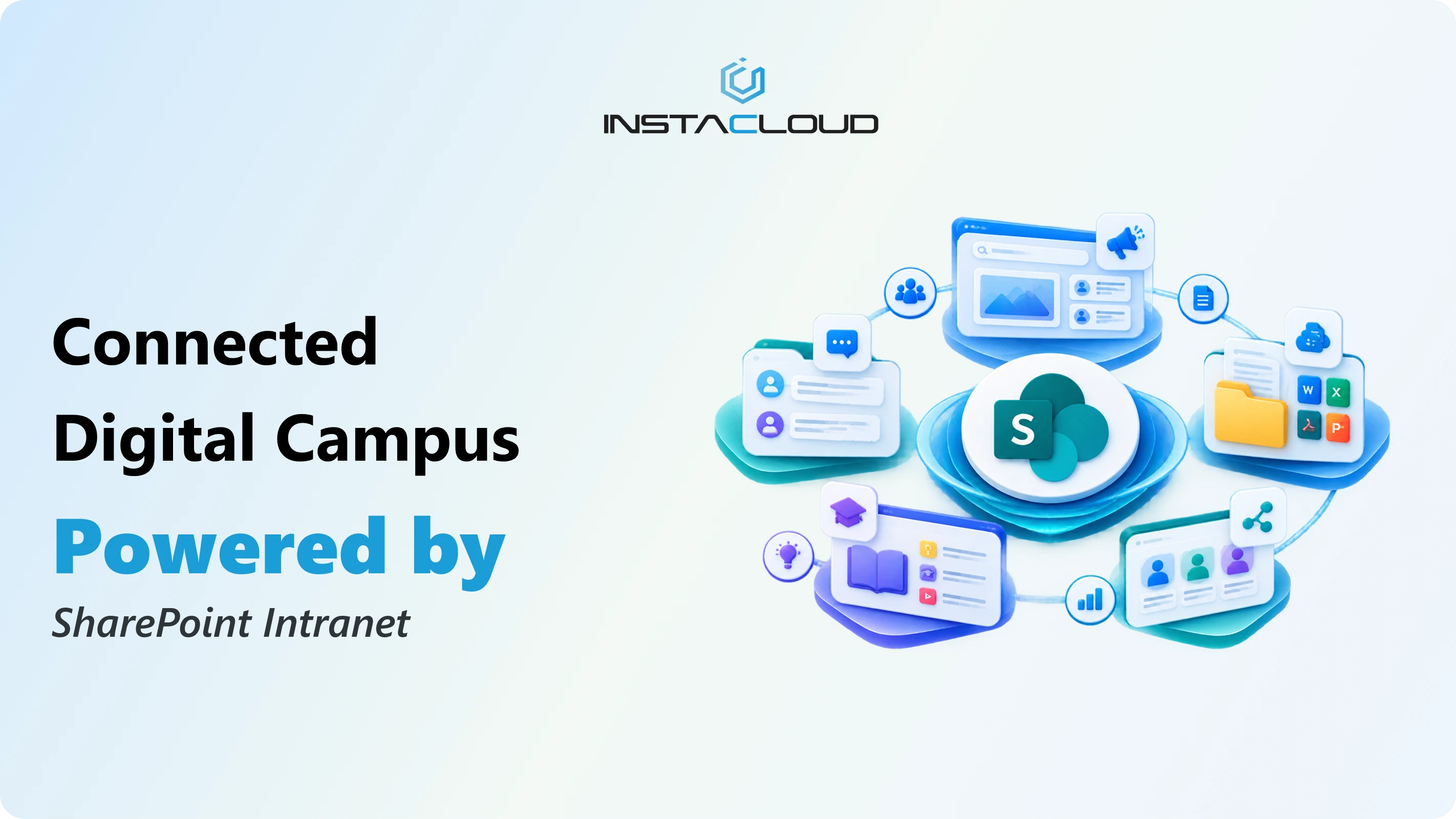
Instacloud Solutions partnered with an Australian-based education organization to leverage SharePoint for improved collaboration, communication, and productivity. This case study outlines the approach, technologies, challenges, solutions, and outcomes of the project.
Introduction
An Australian-based education organization aimed to utilize SharePoint for enhancing collaboration among its staff and students. Despite having SharePoint in place, the organization struggled to leverage its full potential. Instacloud Solutions stepped in to provide a comprehensive solution to optimize their SharePoint environment.
Background and Challenges
The organization had deployed SharePoint but faced several challenges:
Limited User Adoption:Users were not familiar with SharePoint’s capabilities, leading to low adoption rates.
Inefficient Document Management:There was no centralized repository, making document retrieval difficult. Additionally, the lack of version control led to confusion and redundancy.
Poor Internal Communication:Information was scattered across various channels, making it hard to find and leading to communication breakdowns.
Lack of Collaborative Tools:The organization had limited tools for project management and team collaboration, hindering effective teamwork.
Security Concerns:There were significant concerns regarding the security of document sharing and access control, risking unauthorized access to sensitive information.
Instacloud Solutions' Role
Assessment:Conducted a thorough assessment of the existing SharePoint setup to identify gaps and areas for improvement.
Design:Designed a customized SharePoint solution tailored to the specific needs of the organization.
Implementation:Implemented features to enhance collaboration, communication, and document management.
Training:Provided extensive training and support to ensure successful adoption and utilization of the new system.
Technologies Used
Microsoft SharePoint Online:For document management, intranet, and collaboration.
Microsoft Teams:For real-time communication and collaboration.
Power Automate:For workflow automation and process optimization.
Power BI:For data analytics and reporting.
OneDrive:For secure cloud storage and file sharing.
Azure Active Directory:For identity and access management.
Key Challenges
User Adoption:
Users were unfamiliar with SharePoint’s capabilities.
Resistance to change from traditional methods.
Document Management:
No centralized repository for documents.
Lack of version control and document sharing protocols.
Internal Communication:
Information was scattered and difficult to find.
Inefficient communication channels.
Collaboration:
Limited tools for project management and team collaboration.
Difficulty in coordinating tasks and sharing information.
Security:
Concerns about unauthorized access to sensitive documents.
Inconsistent access controls and permissions.
Solutions Implemented
User Training and Adoption:
Conducted comprehensive training sessions to familiarize users with SharePoint.
Created user guides and video tutorials for ongoing support.
Document Management:
Implemented a centralized document library with metadata tagging for easy retrieval.
Enabled version control to track document changes and maintain history.
Integrated OneDrive for secure and accessible file sharing.
Enhanced Communication:
Set up Microsoft Teams for real-time communication and collaboration.
Integrated SharePoint news and announcements to keep everyone informed.
Created discussion forums and Yammer for knowledge sharing.
Collaboration Tools:
Deployed SharePoint project sites for team collaboration and project management.
Integrated task lists, calendars, and shared notebooks for effective coordination.
Utilized Power Automate to automate workflows and streamline processes.
Security Enhancements:
Configured Azure Active Directory for secure user authentication and access control.
Implemented role-based access controls to ensure only authorized users can access sensitive information.
Set up audit logs to monitor document access and modifications.
Custom Intranet Features
Custom Dashboards:
Personalized dashboards for different user roles to display relevant information and quick access to tools.
Employee Directory:
A searchable employee directory integrated with profile management for easy contact and collaboration.
News and Announcements:
A central hub for posting important news, updates, and announcements to keep everyone informed.
Event Management:
Tools to schedule, manage, and track events, meetings, and training sessions.
Resource Booking:
Integrated booking system for shared resources like meeting rooms and equipment.
Survey and Feedback:
Built-in tools to conduct surveys and collect feedback from staff and students.
Outcomes and Benefits
Increased User Adoption:Comprehensive training and support led to higher engagement and effective use of SharePoint.
Improved Document Management:A centralized document repository with version control enhanced document accessibility and management.
Enhanced Communication:Streamlined communication channels improved information flow and collaboration across the organization.
Efficient Collaboration:Project management tools and automated workflows enabled better team coordination and efficiency.
Enhanced Security:Robust security measures protected sensitive data and ensured compliance with regulatory requirements.
Conclusion
Instacloud Solutions successfully transformed the Australian education organization’s use of SharePoint into a powerful tool for collaboration, communication, and productivity. Through strategic planning, user training, and the implementation of customized features, Instacloud ensured that the organization could fully leverage SharePoint to meet its needs and achieve its goals. This case study demonstrates the importance of a tailored approach in driving successful digital transformation and highlights the significant benefits of utilizing SharePoint for organizational collaboration.